Configure Authentication
Authentication Methods
You can choose between the following authentication methods:
-
User/Password: This means the client has to deliver a username and password. For the username, an appropriate user credential of type client login is searched, and its password is compared with the delivered password.
Note: Because the password is sent in Base64 encoded form, which can easily be decoded, it is recommended to use this method in combination with a secure HTTPS connection. -
Use Preemptive Authentication (Username/Password): The client delivers the username and password, and the credentials are transmitted in the header as authorization with each request.
-
Use Certificate Authentication: Authentication using an X509 certificate.
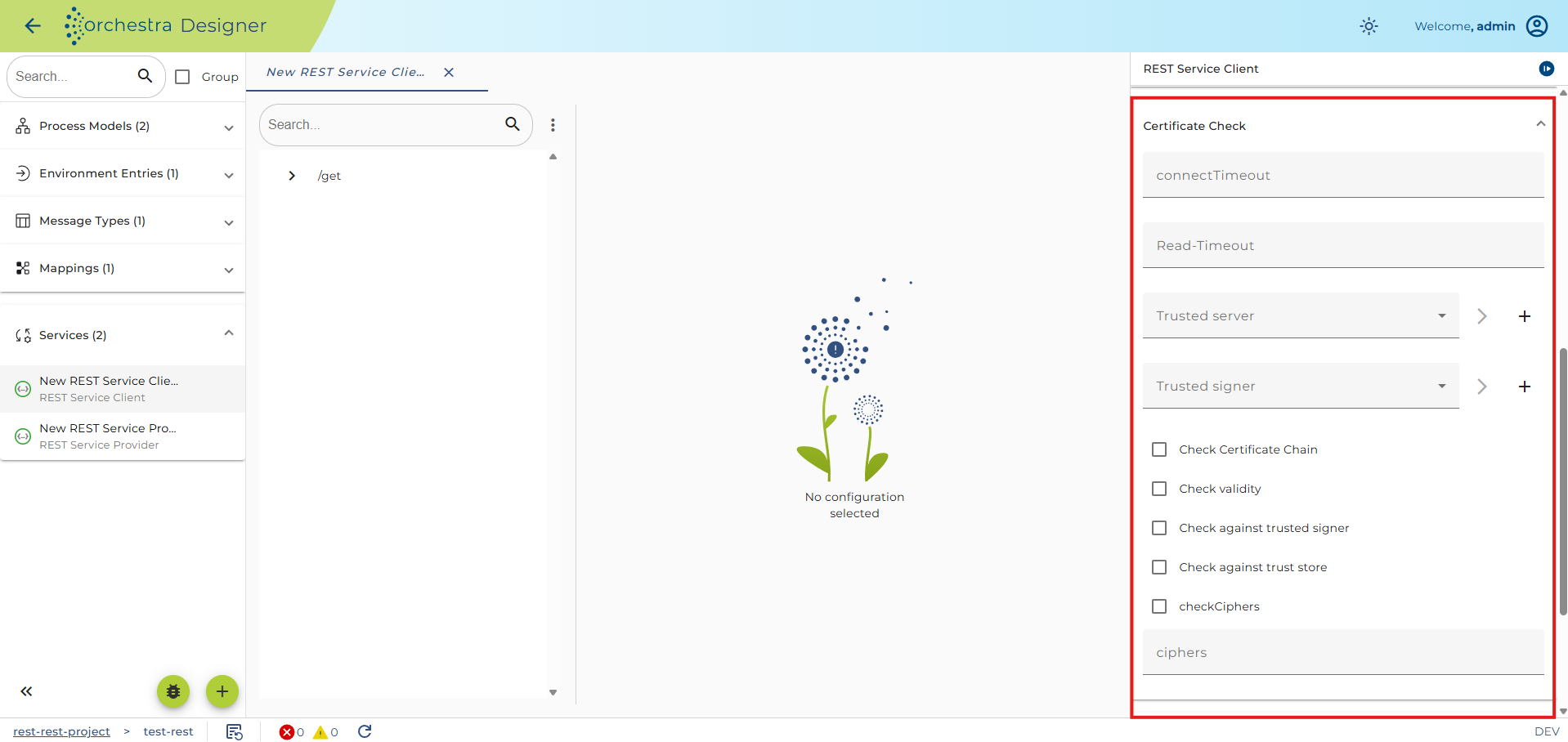
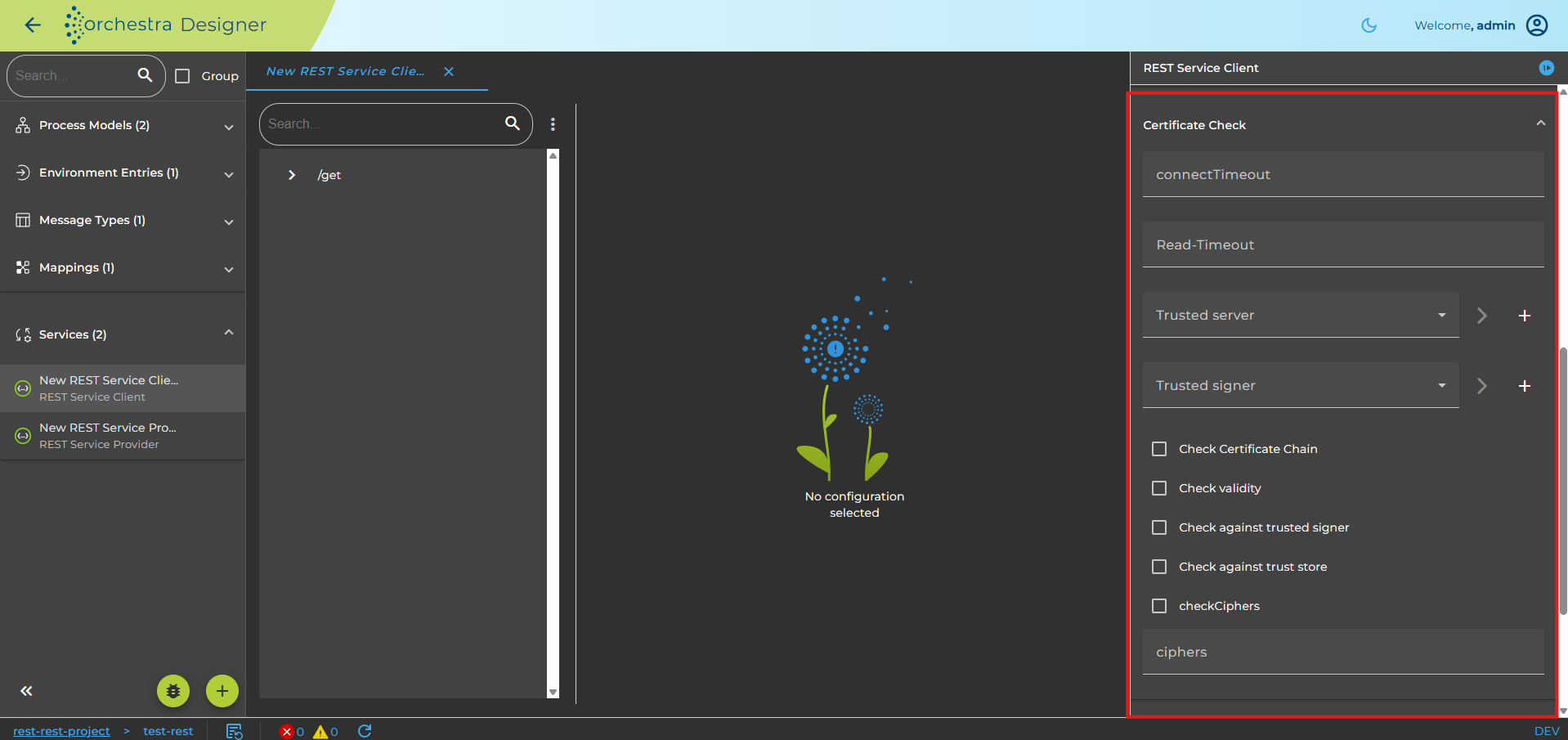
Certificate Check
The Certificate Check panel allows a user to configure the client-side HTTPS connection details:
-
Trusted server (optional, type=Trusted server): Allows the client to check the server's public key certificate, which is presented by the server during a request.
-
Trusted signer (optional, type=Trusted server): Ensures that the server's certificate has been signed by a given certificate and can be trusted.
-
Check certificate chain (optional): Verifies that the certificate chain is correctly signed (e.g., certificate n is signed by certificate n+1).
-
Check validity (optional): If set, it checks if the certificate has expired.
-
Check signers against trust store: If set, it ensures that the last certificate in the certificate chain is contained in the trust store.
-
Cipher Suites (optional): Enforces specific Cipher Suites to be used in TLS. The cipher suites are added as comma-separated values (e.g.,
TLS_ECDH_RSA_WITH_AES_256_CBC_SHA,TLS_ECDHE_RSA_WITH_AES_256_CBC_SHA,TLS_DHE_RSA_WITH_AES_256_CBC_SHA).
Use OAuth2.0 Authentication
OAuth can be used for authentication. In this process, a Json Web Token (JWT) is requested from an identity provider and appended directly to the actual request.
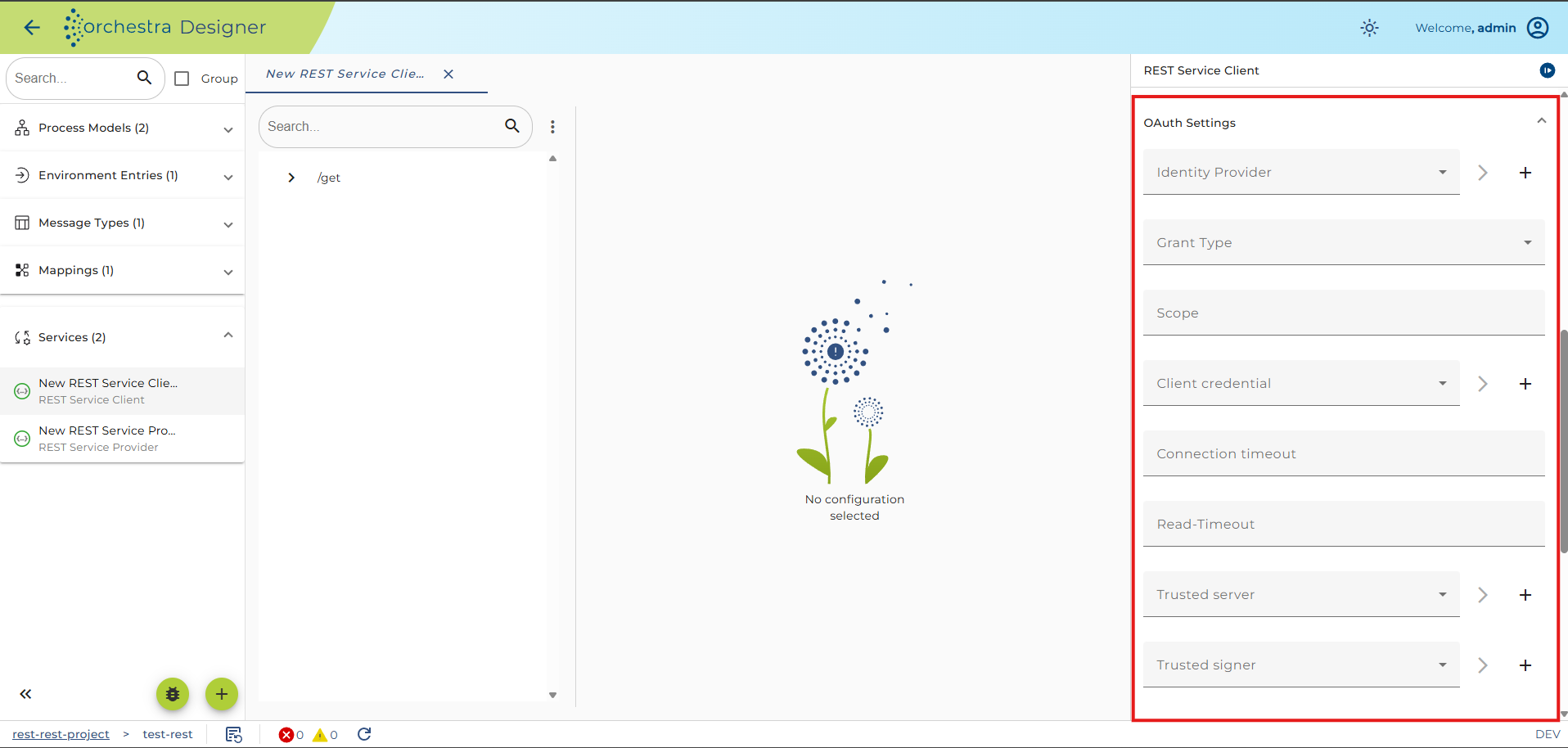
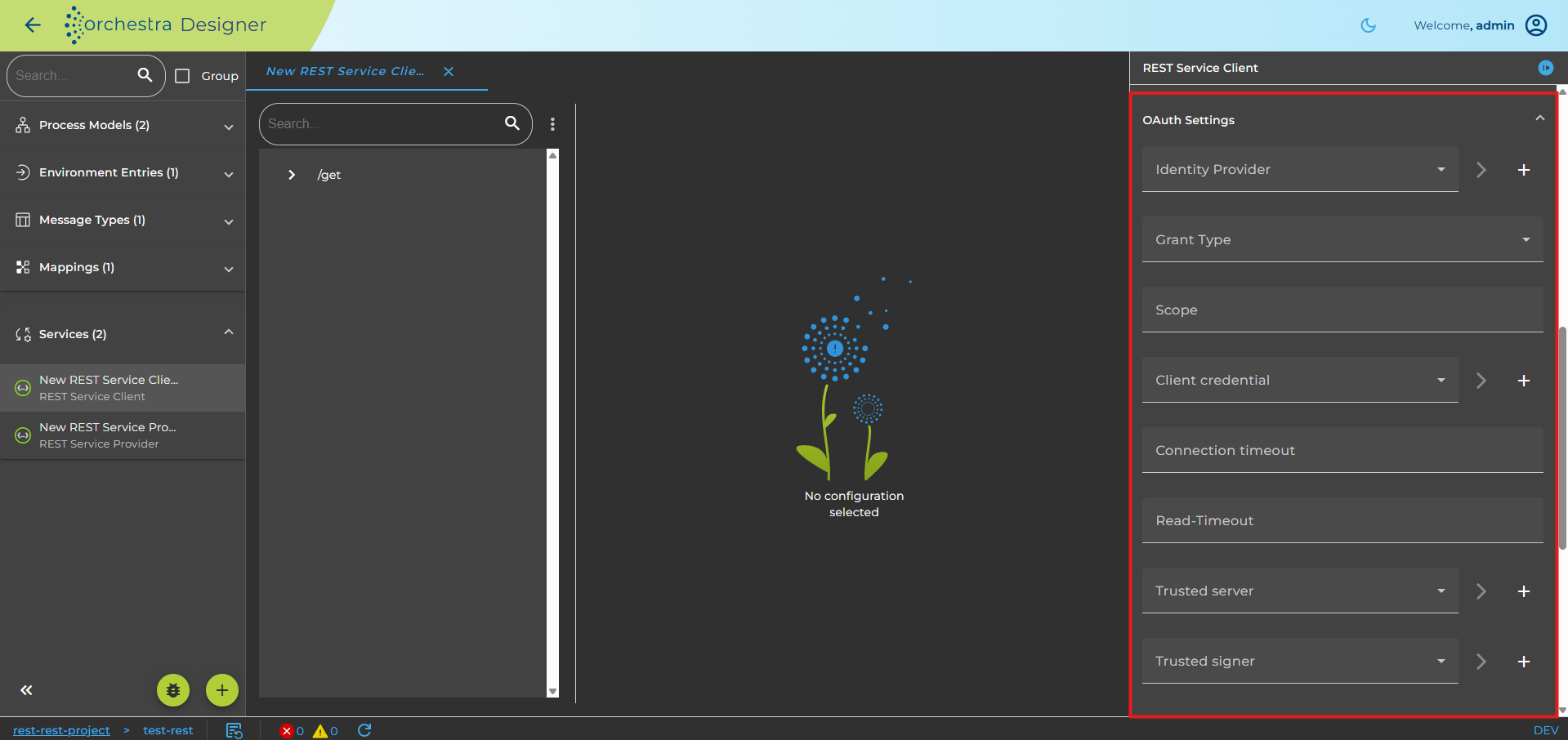
Required Configuration
To use OAuth2.0 authentication, you need to make the following configurations:
- OAuthClient
Currently, two different grant types are supported. Additional request parameters cannot be added to OAuth authentication at this time.
Supported Grant Types
-
Password-Grant
This method exchanges a user's credentials for an access token.
The following information is required and added to the token request:- Client-Identifier
- Client-Secret
- Username
- Password
- Identity Provider: The URL to the token endpoint.
The Client-Identifier and Client-Secret are base64-encoded and added to the request header and body as authentication.
The Username and Password are added to the body. These are the same credentials used for username/password authentication. -
Client Credentials
This method is used when applications request an access token to access their own resources, not on behalf of a user.
Client credentials are sent either in the Request-Header or the Request-Body.The following information is required and added to the token request:
- Client-Identifier
- Client-Secret
- Identity Provider: The URL to the token endpoint.
The Client-Identifier and Client-Secret are base64-encoded and added to the request header or body.
Configuration Details
-
User-Credentials:
The user must have the same username and password as on the identity provider. The user type must be a "Technical login." -
Identity-Provider:
The URL to a token endpoint of the identity provider (authorization server). -
Client Credential:
This is used to select user credentials with Client-Identifier and Client-Secret that are relevant.- Client-Identifier: The identifier of the user at the identity provider. It is located at the Identity Provider and set up in Credentials Username/Password as "Account name".
- Client-Secret: A secret generated by the identity provider. It is also located at the Identity Provider and set up in Credentials Username/Password as "Password".
-
Certificate Check:
SSL settings or Identity-Provider access can be used if the Identity Provider has an SSL connection and the certificate is a self-signed X509 certificate.
For setting configuration, use the certificate authentication as a reference.